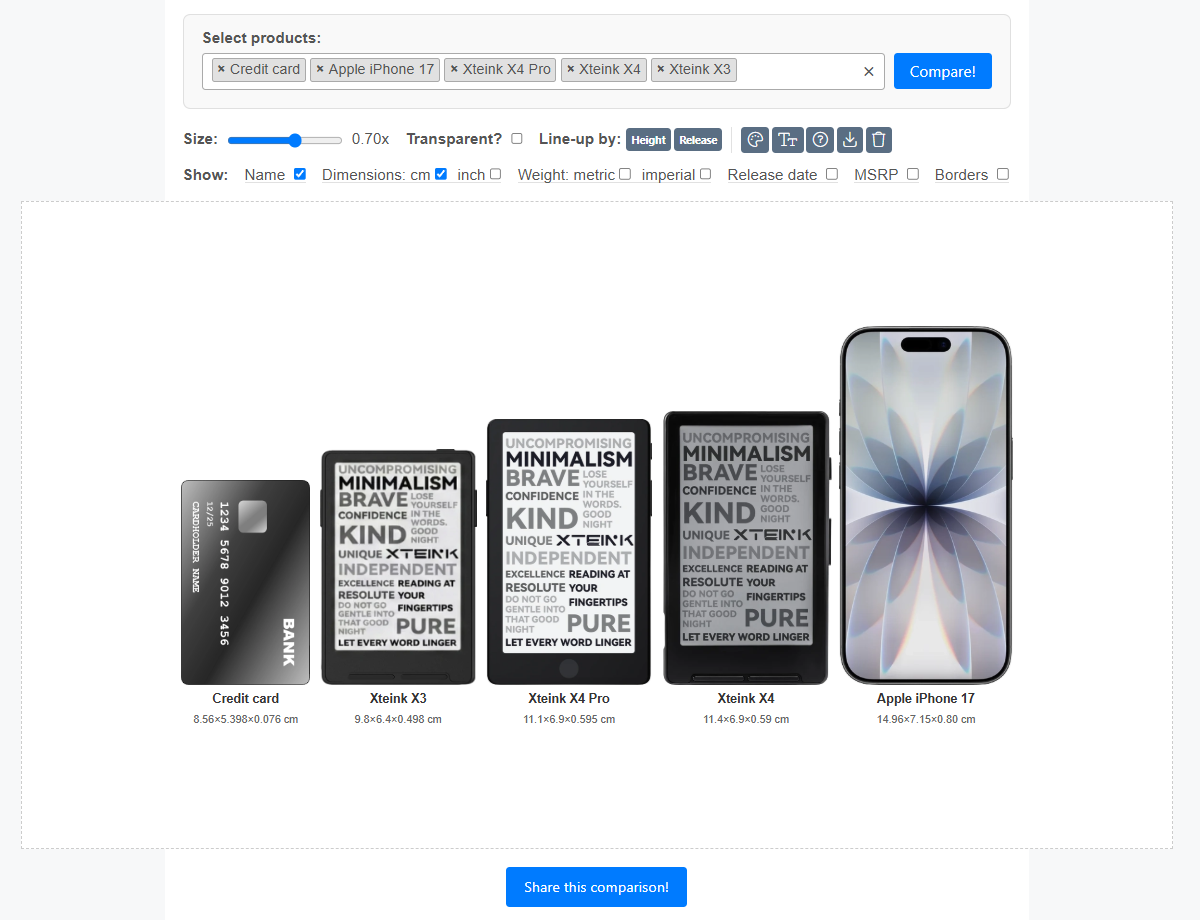
⭐ InkFrame — a free browser tool to convert & optimize wallpapers for the Xteink X3 / X4 / X4 Pro
Tool Hi all,
I built a small browser tool for getting images onto the Xteink readers.
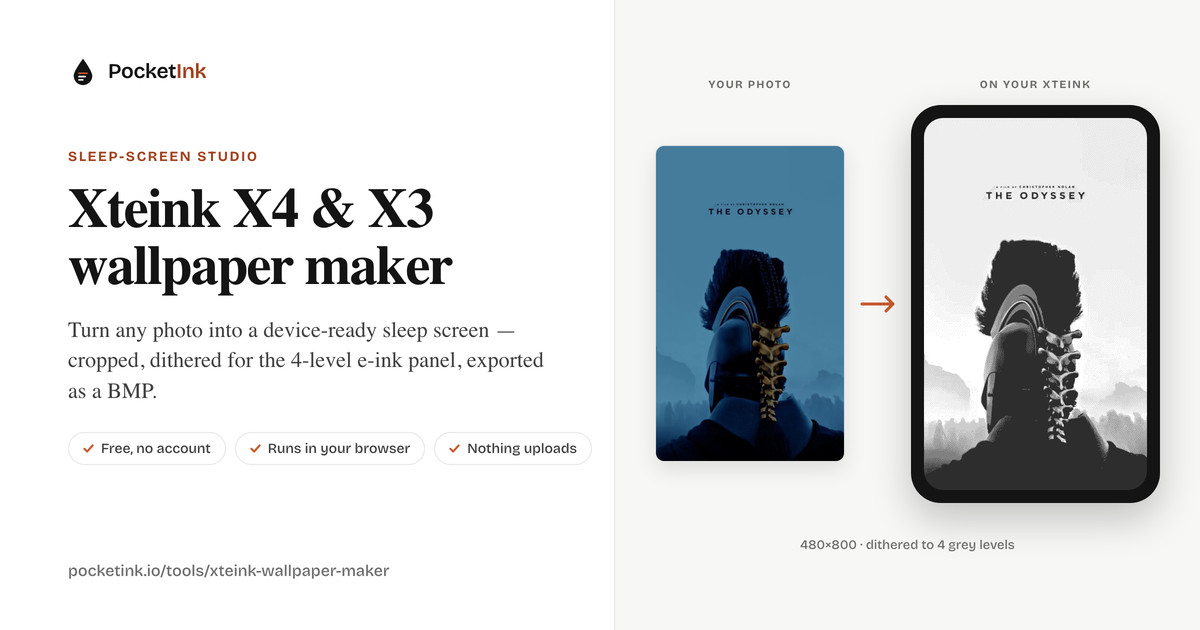
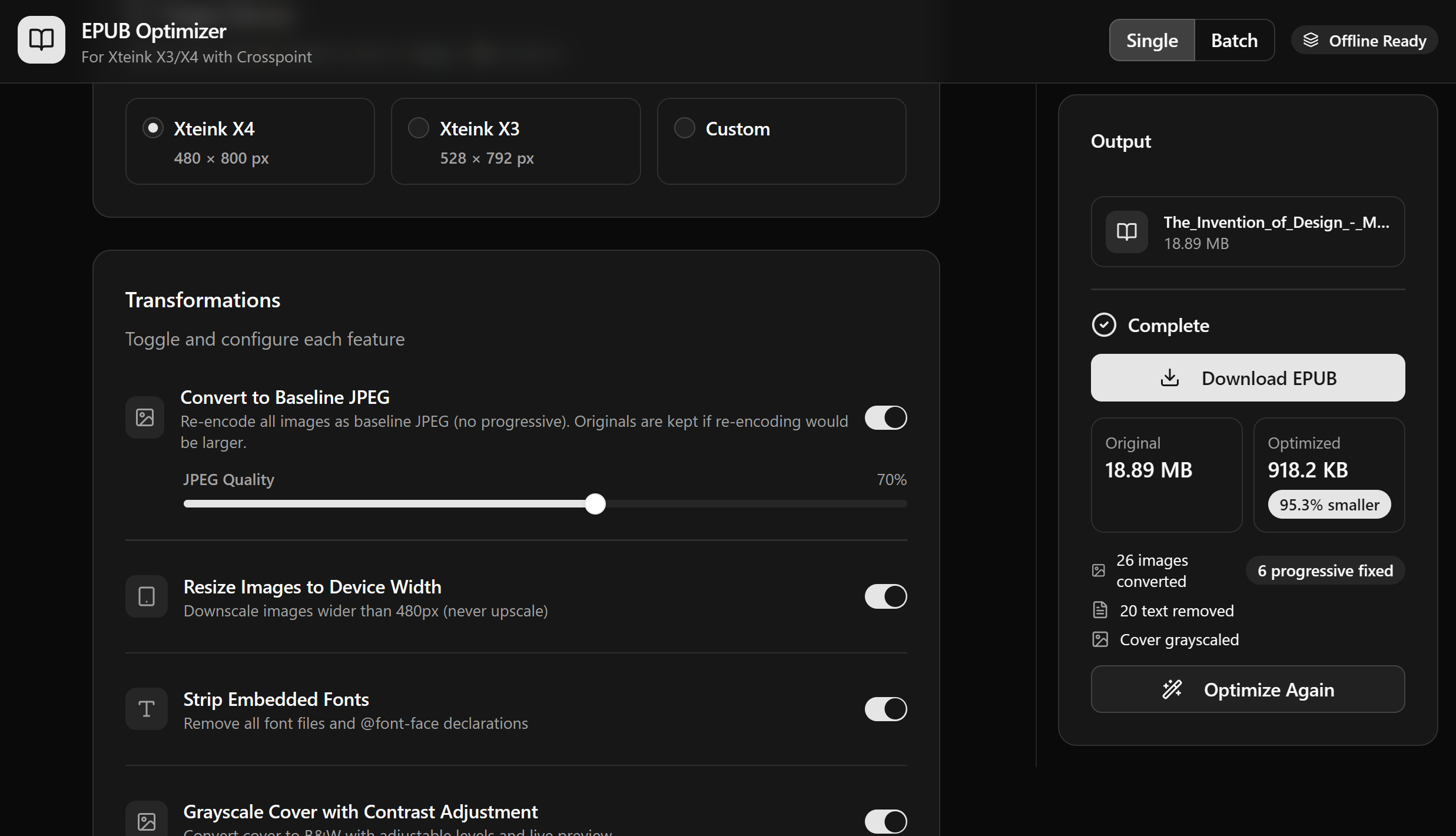
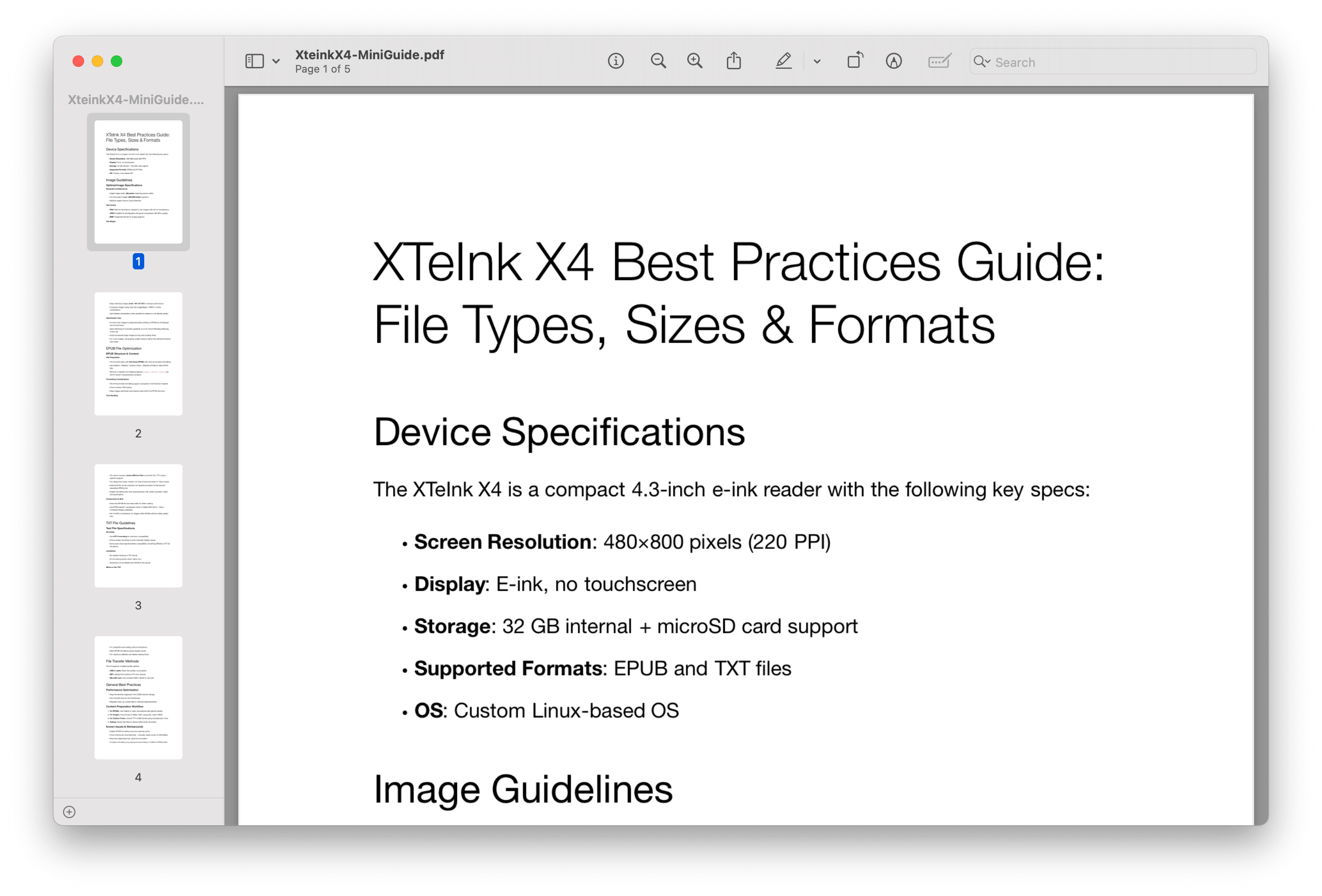
You drop in an image and it gives you back a BMP sized exactly to the screen — 528×792 for the X3, 480×800 for the X4 (and the new X4 Pro, same panel). Switching the target device just re-renders at the other size. Everything runs locally in your browser: no upload, no account, no server — the images never leave your machine.
Framing
Fill or Contain, with a zoom slider and drag-to-reposition on the live preview
Also pan with arrow buttons, keyboard shortcuts, mouse wheel, or pinch-to-zoom on touch
Rotate 90°, and every image keeps its own zoom/position/rotation in batch mode
Background for the leftover space in Contain: black, white, or a mirrored tile so you don't get bars down the sides
Look / tone
Brightness, contrast and gamma, plus one-click auto-contrast (stretches the histogram — great for flat, low-contrast scans)
⚡ Auto e-ink preset that sets a good combination in one tap
Invert, and an A/B before/after compare
Grayscale (the important part for e-ink)
Sends the reader a clean 8-bit grayscale image and lets the device handle the panel — photos come out smooth, like the built-in wallpapers
Optional dithering (Floyd–Steinberg / Atkinson / Bayer) if you'd rather pre-dither yourself, or a posterized 16 / 4 / 2-level look
Export as 8-bit grayscale (recommended, ~⅓ the size) or 24-bit BMP
Workflow
Batch mode — drop in a whole folder's worth and export them all at once, or download the batch as a single ZIP
Light/dark theme
Contextual help on every control (hover the little "?")
UI in six languages
👉 https://useinkframe.vercel.app/
It's a personal project and I'm happy to hear what's missing.
18 downloads