Firmware

Official and community firmware options for your Xteink X4

Introduction

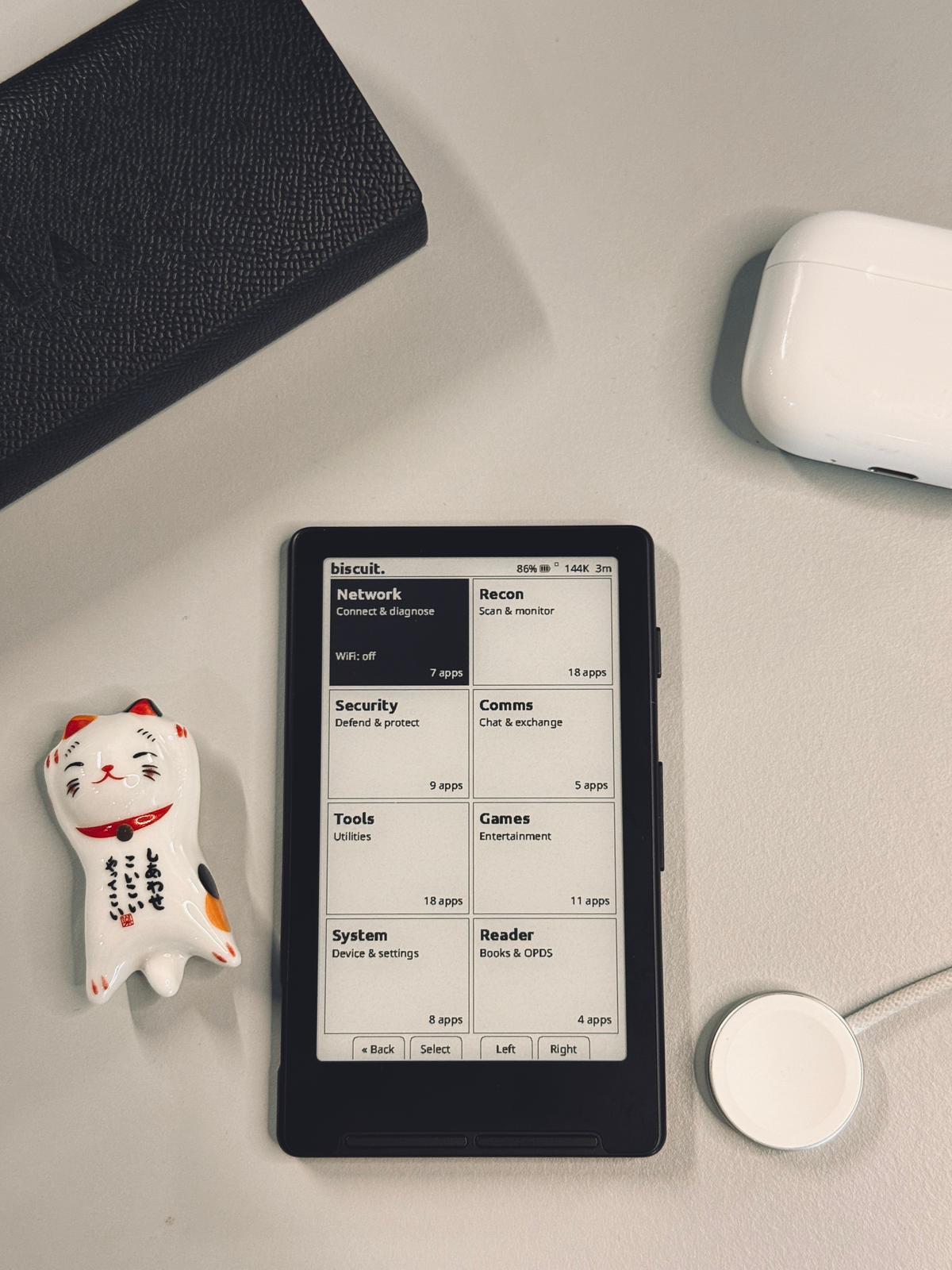
The Xteink X4 comes with official firmware that receives regular updates from Xteink. However, the community has also developed open-source alternatives that offer additional features and customization options.

Note: This page provides information about firmware options. We recommend staying on the official firmware unless you have specific needs that require alternative solutions.

Official Firmware

We recommend staying on the official Xteink firmware to follow the company's developments and receive official updates, support, and new features as they are released.

CrossPoint Reader

Community Alternative: CrossPoint Reader

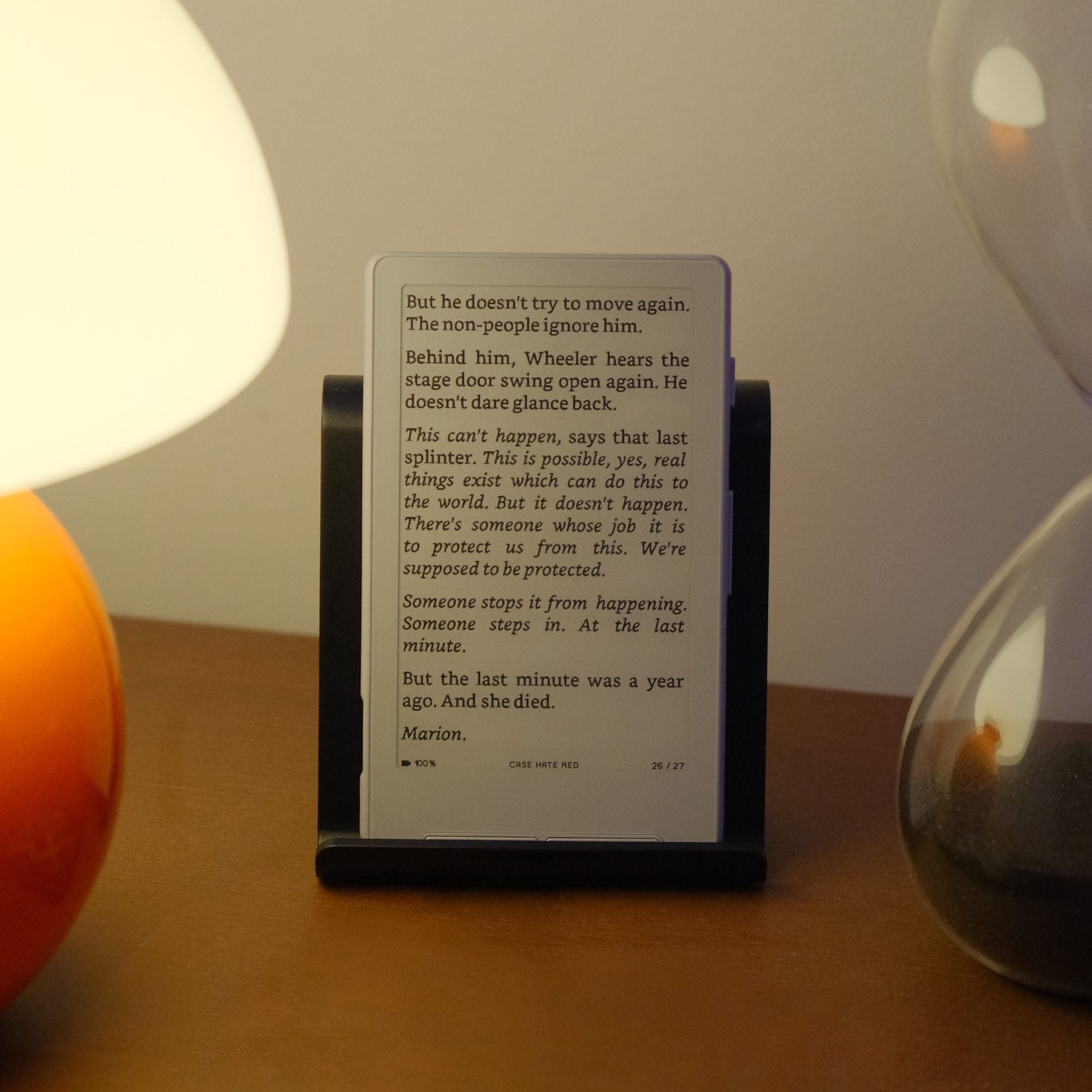
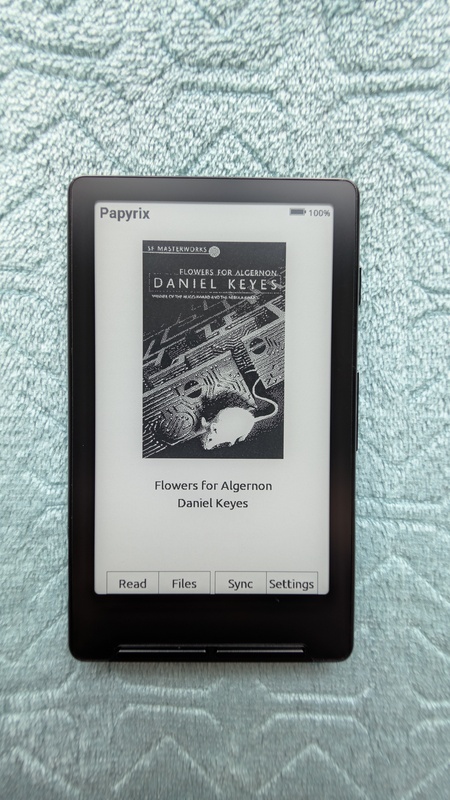
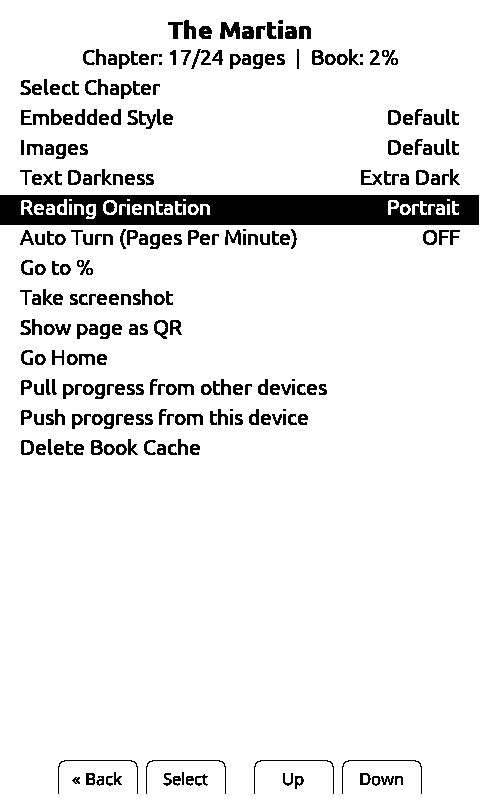
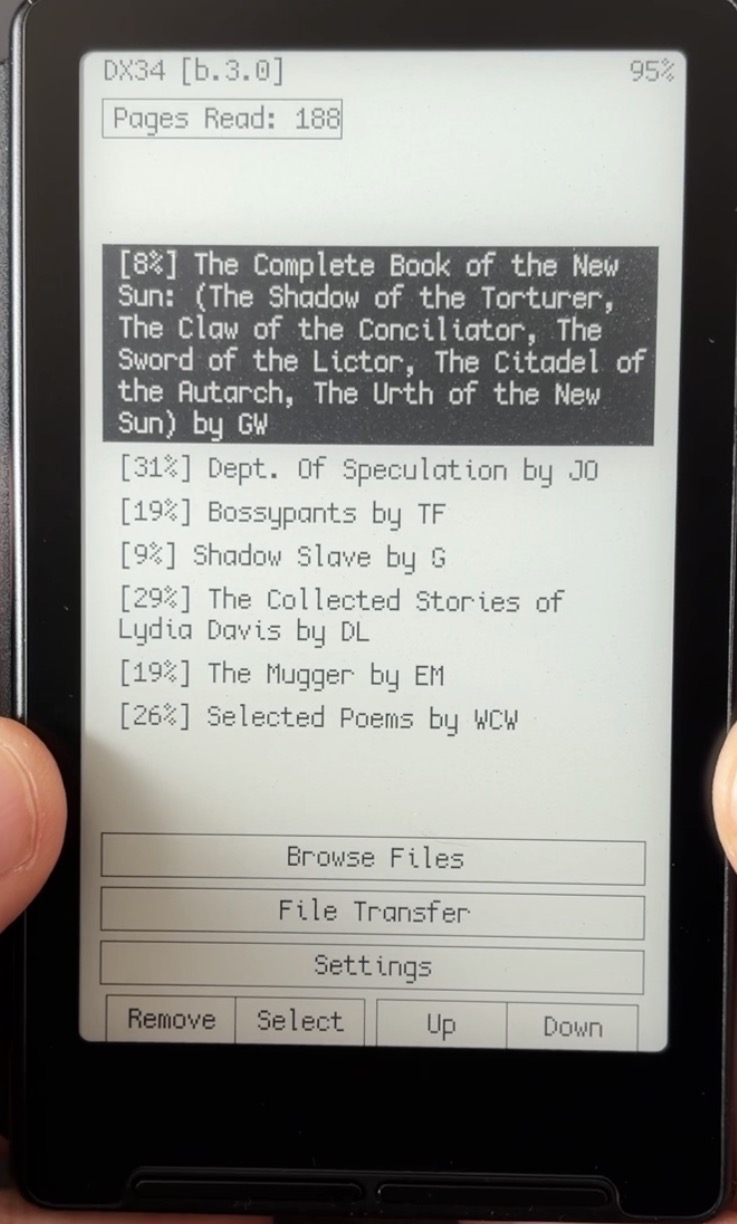
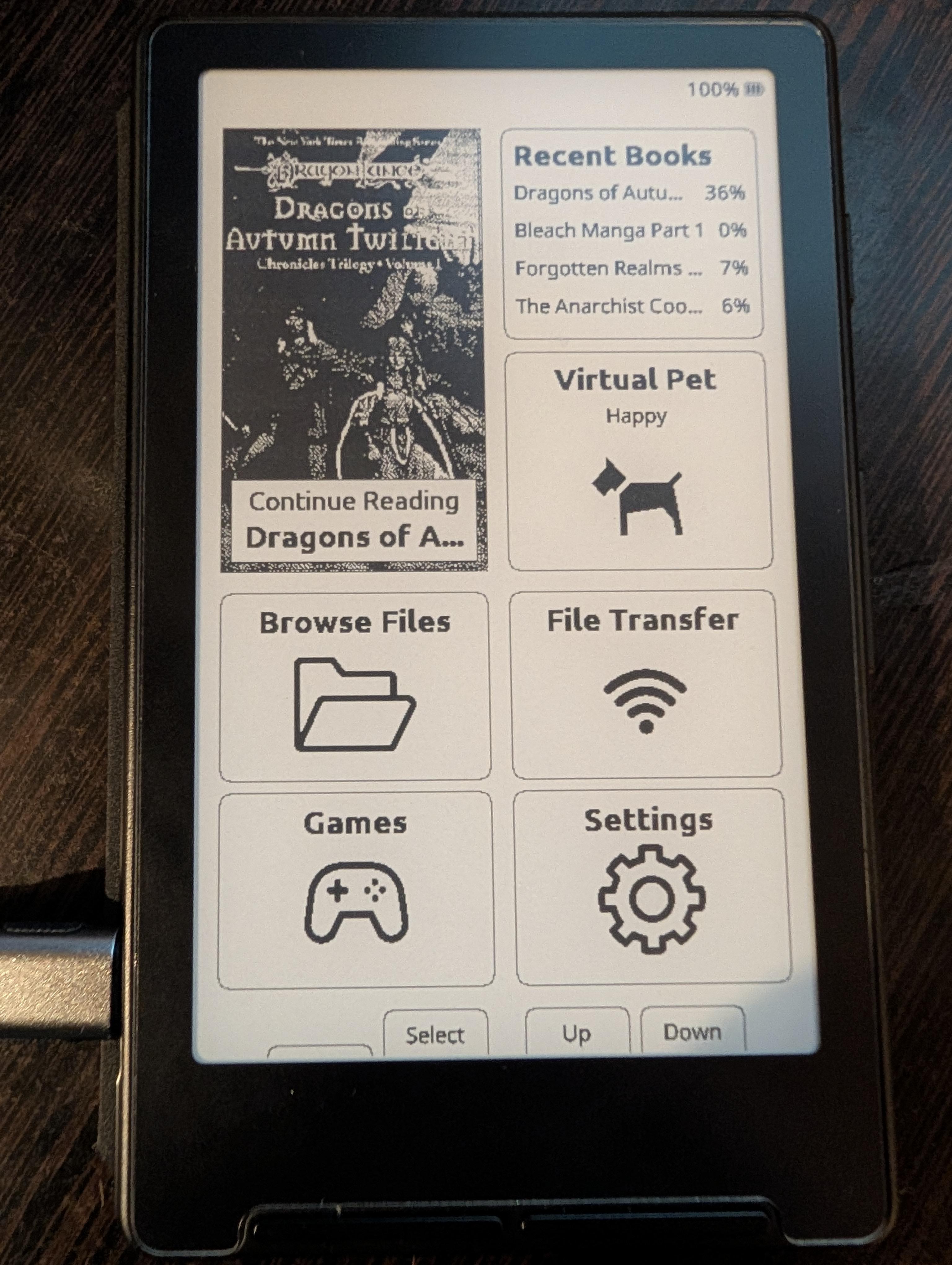
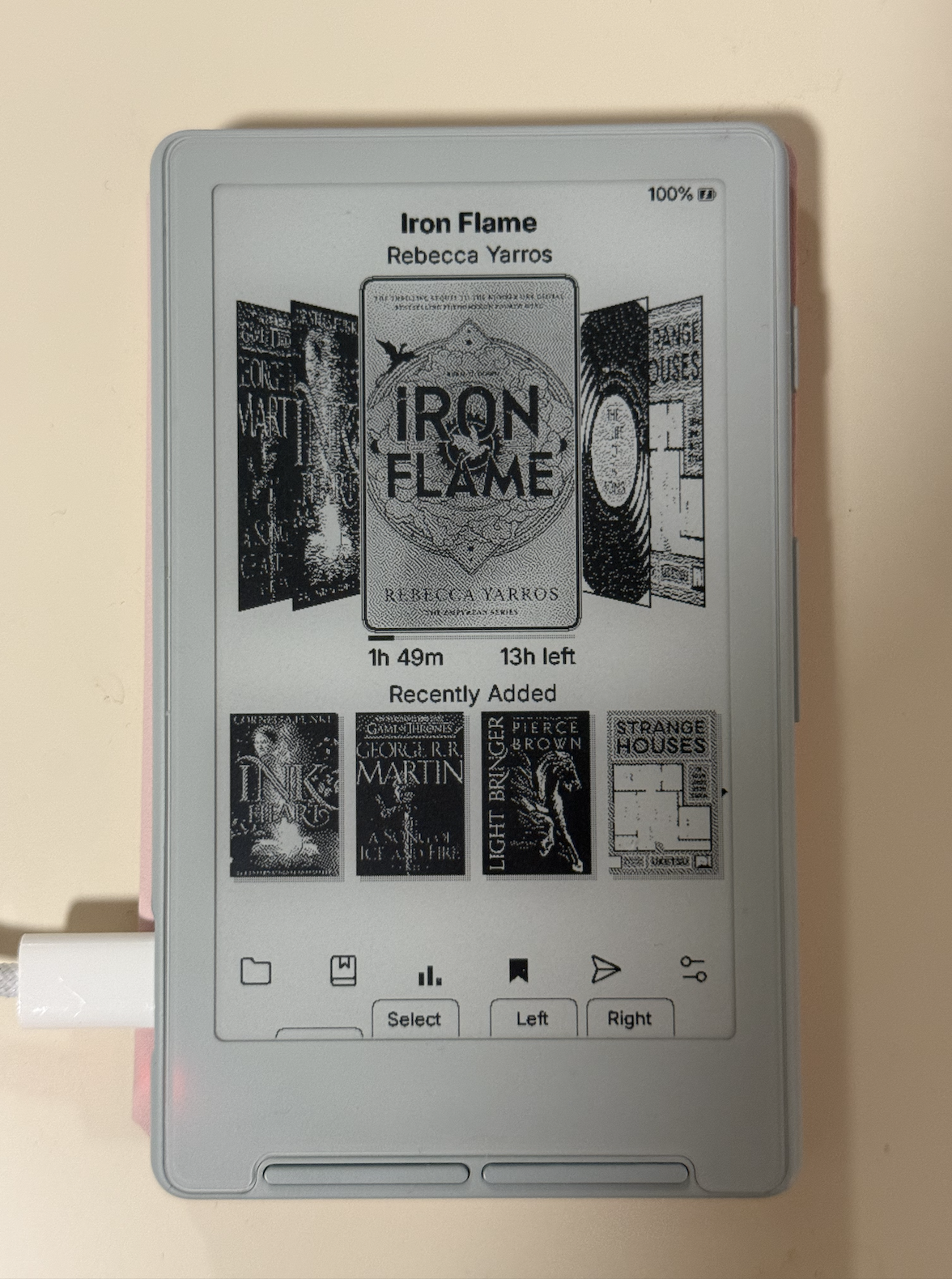
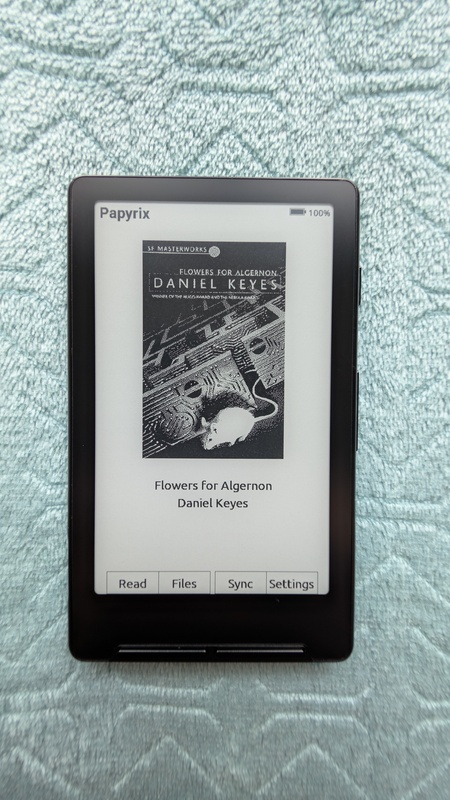
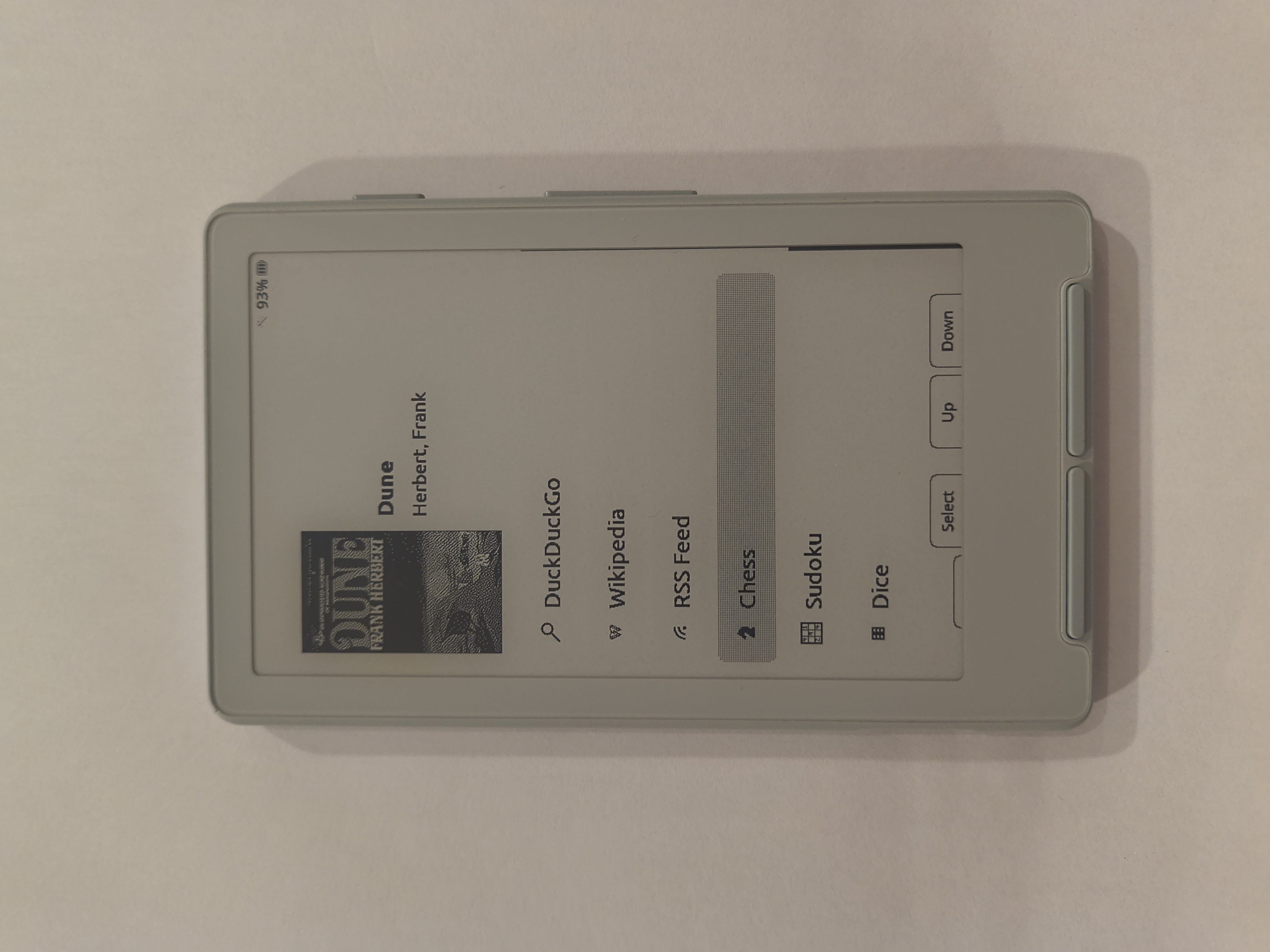
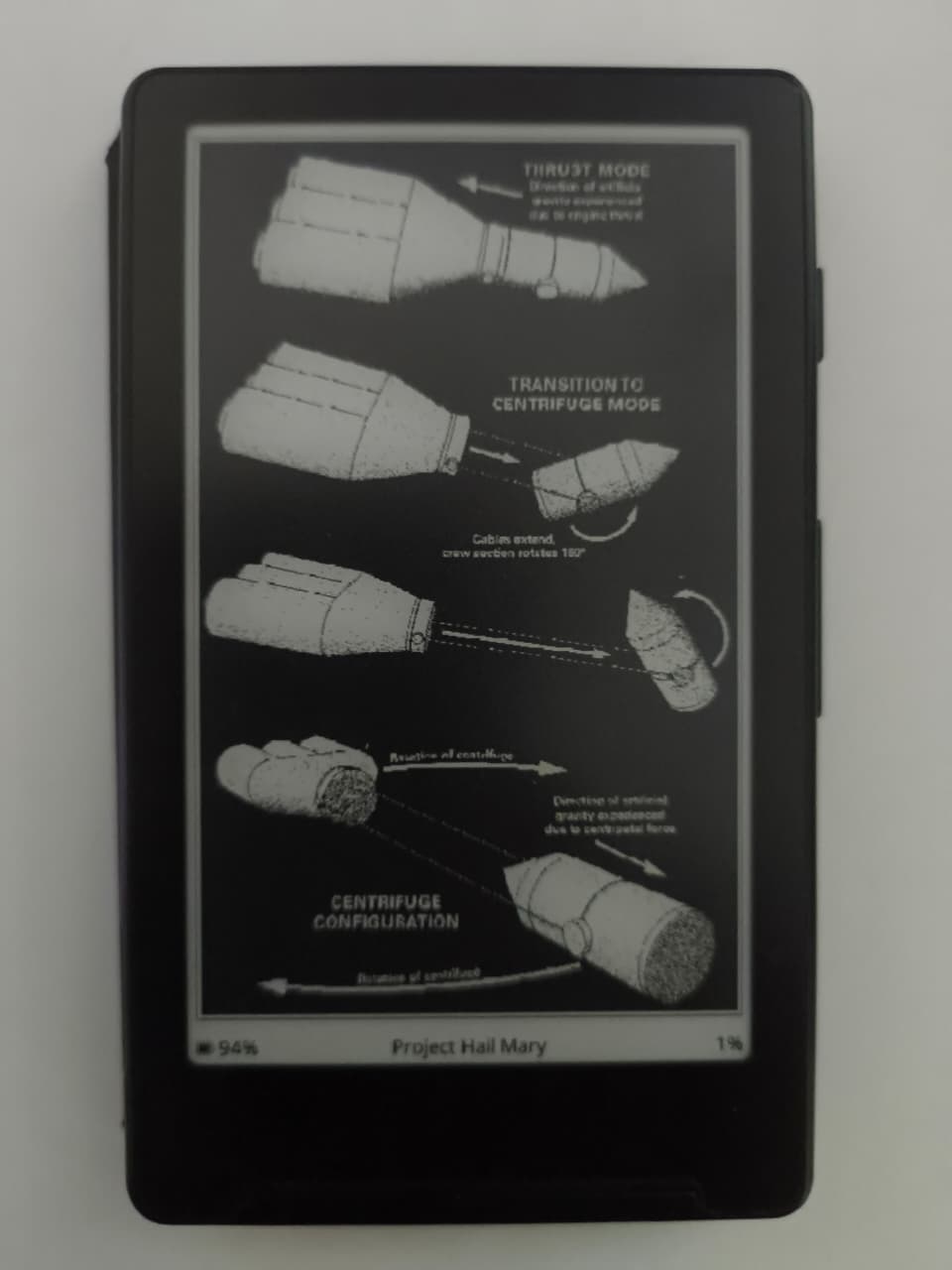
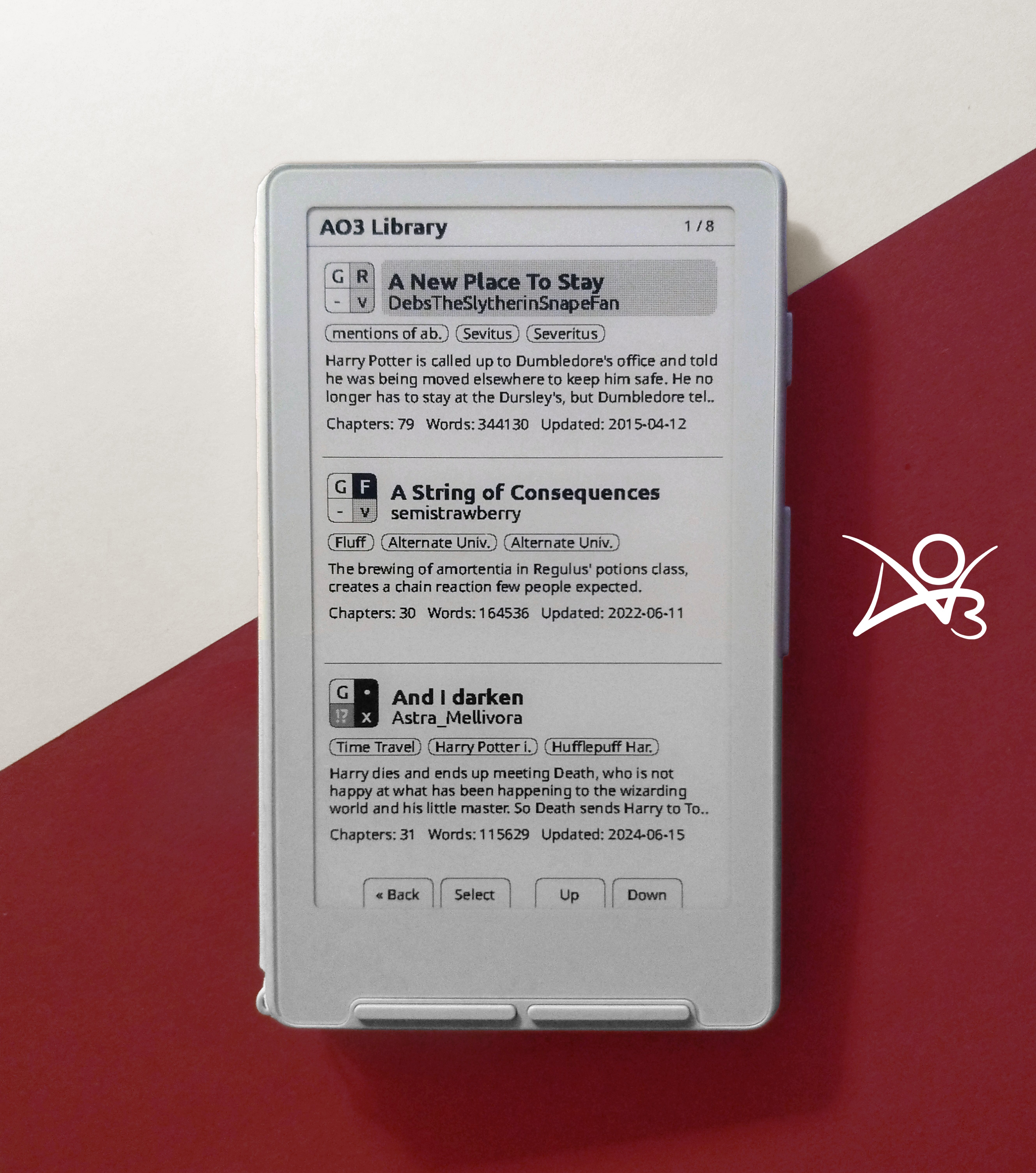
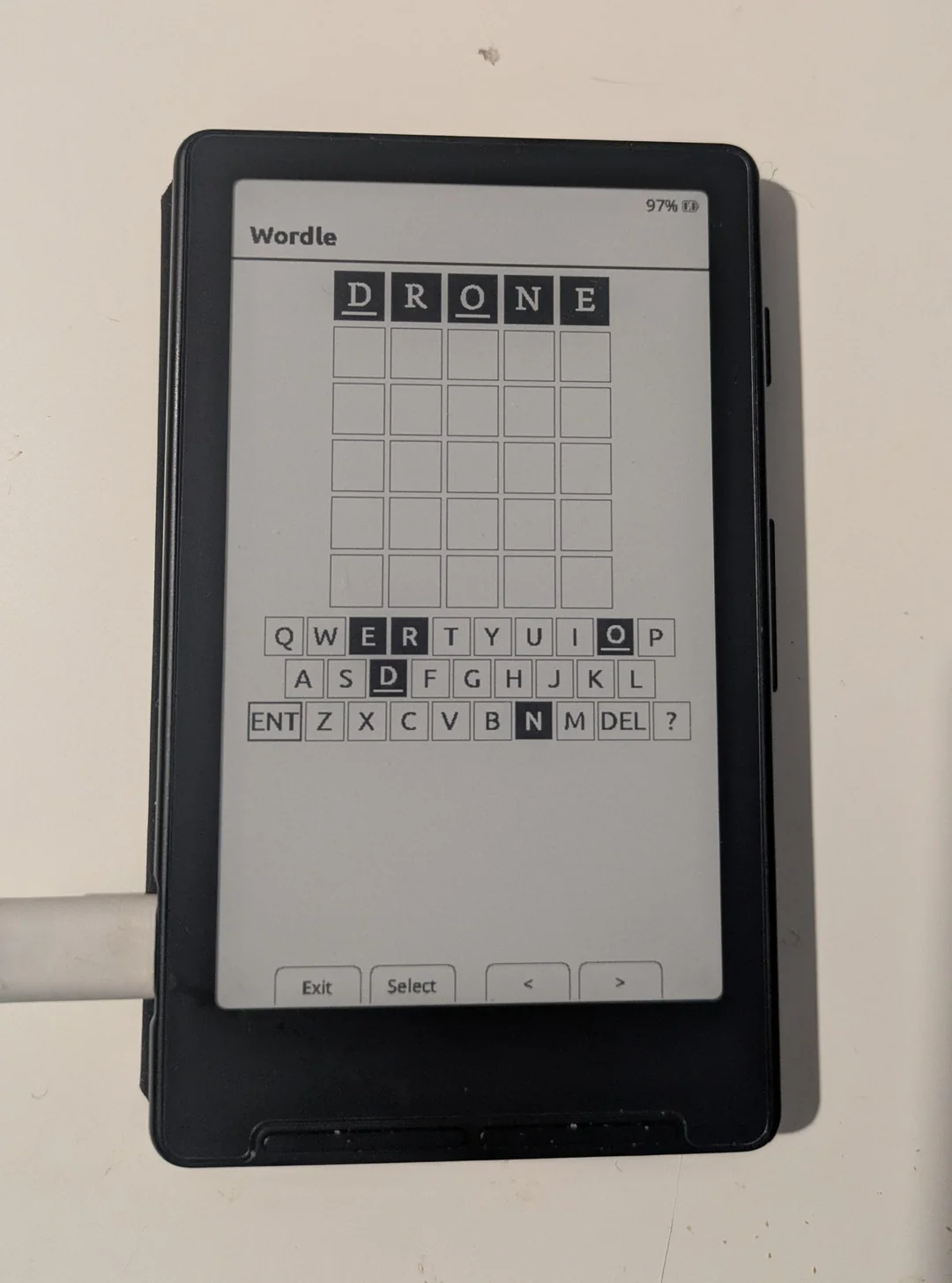
CrossPoint Reader is a fully open-source firmware alternative developed by the community. It's a purpose-built firmware designed to be a drop-in replacement for the official Xteink firmware, offering EPUB reading capabilities and customization options.

Why CrossPoint is Interesting

CrossPoint Reader offers several advantages that make it appealing to users looking for more control and customization:

  • Fully open-source, allowing community contributions and transparency
  • WiFi book upload eliminates the need for USB transfers
  • Active community development with regular updates and improvements
  • Greater customization options for fonts, layouts, and display settings
CrossPoint Reader

Key Features:

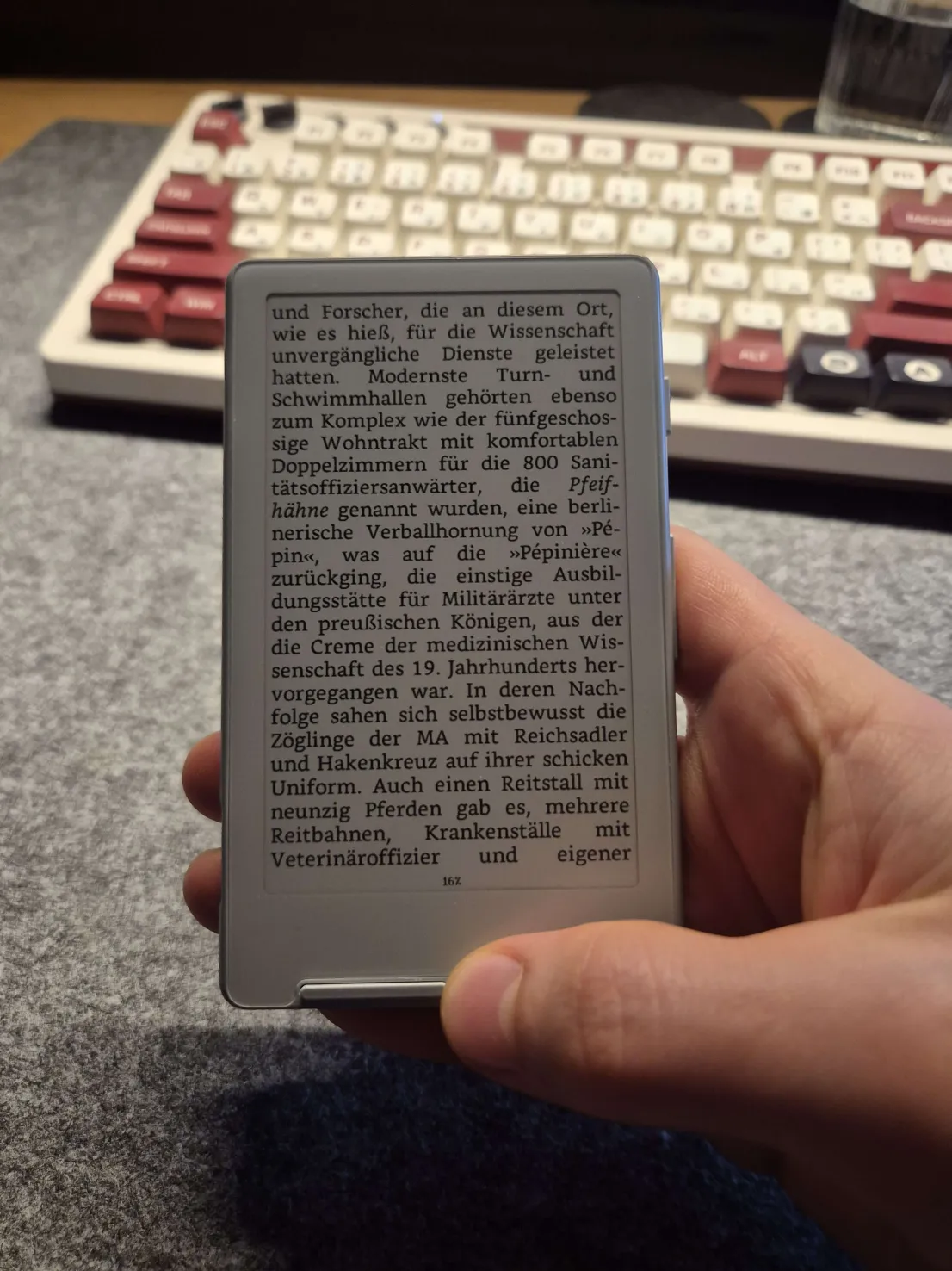
  • EPUB parsing and rendering (EPUB 2 and EPUB 3)
  • Image support within EPUB files
  • Saved reading position across sessions
  • File explorer with nested folder support
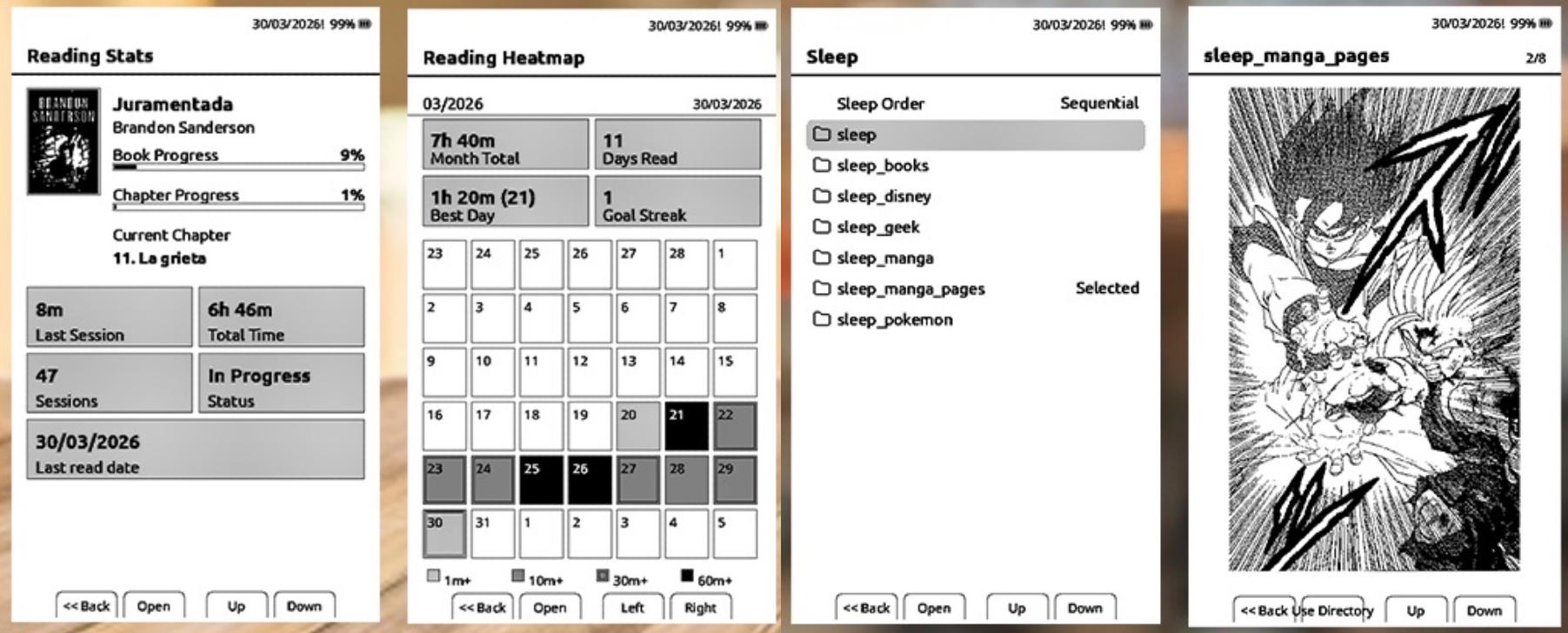
  • Custom sleep screens and cover art
  • WiFi book upload and OTA updates
  • Configurable fonts, layouts, and display options
  • Full UTF support and screen rotation

Before You Start

  • Ensure your Xteink X4 is fully charged before flashing
  • Use a stable internet connection if flashing via web interface
  • Consider backing up important data from your device
  • Have a USB-C cable ready for the connection
  • Read the official installation guide on GitHub before proceeding

Important: All firmware files, documentation, and installation instructions must be downloaded directly from the official GitHub repository. Always verify you are using the latest version and follow the official installation guide.

Created by daveallie ( GitHub )

Comparison

Feature Official Firmware CrossPoint Reader
EPUB Support
OTA Updates
Custom Fonts
WiFi Book Upload -
Open Source -
Official Support -

Installation

Web Installation (Latest Firmware):

Connect your Xteink X4 to your computer via USB-C, then visit https://xteink.dve.al/ and click "Flash CrossPoint firmware".

Web Installation (Specific Version):

Download the firmware.bin file from the GitHub releases page, then use the "OTA fast flash controls" section on https://xteink.dve.al/ to flash the firmware file.

Reverting to Official Firmware:

To revert back to the official firmware, you can flash the latest official firmware from https://xteink.dve.al/, or swap back to the other partition using the "Swap boot partition" button at https://xteink.dve.al/debug.

Tips & Best Practices

Backup First: Before flashing any firmware, ensure your device is fully charged and consider backing up important data.

Read Documentation: Always read the official installation guide on GitHub before proceeding. Each firmware version may have specific requirements.

Community Support: If you encounter issues with CrossPoint Reader, check the GitHub issues page or community discussions for solutions.

Stay Updated: Whether using official or community firmware, keep your device updated to benefit from bug fixes and new features.

WiFi Upload Convenience: Take advantage of CrossPoint's WiFi upload feature to transfer books wirelessly without needing a USB cable.

Custom Fonts: CrossPoint supports user-provided fonts, giving you more reading style options than the default firmware.

Reading Position: Your reading position is automatically saved across sessions, so you can pick up exactly where you left off.

Community Resources: Check the GitHub repository's issues and discussions for troubleshooting help and feature requests.

Frequently Asked Questions

Can I switch back to official firmware after installing CrossPoint?

Yes, you can revert to the official firmware using the web flash tool at https://xteink.dve.al/ or by using the "Swap boot partition" feature if available.

Will installing CrossPoint void my warranty?

Flashing custom firmware may void your warranty. Check Xteink's warranty terms and proceed at your own risk. The official firmware is recommended for warranty coverage.

Is CrossPoint Reader stable for daily use?

CrossPoint Reader is actively maintained by the community and many users report stable daily use. However, as with any custom firmware, there may be occasional bugs. Check the GitHub repository for the latest status and known issues.

Important Disclaimer

CrossPoint Reader is not affiliated with Xteink or any manufacturer of the X4 hardware. This is a community project. Always download firmware and documentation directly from the official GitHub repository. Flashing custom firmware may void your warranty and carries risks - proceed at your own discretion.