Send to X4 (browses extension) — Send web articles to Xteink X4 as EPUB
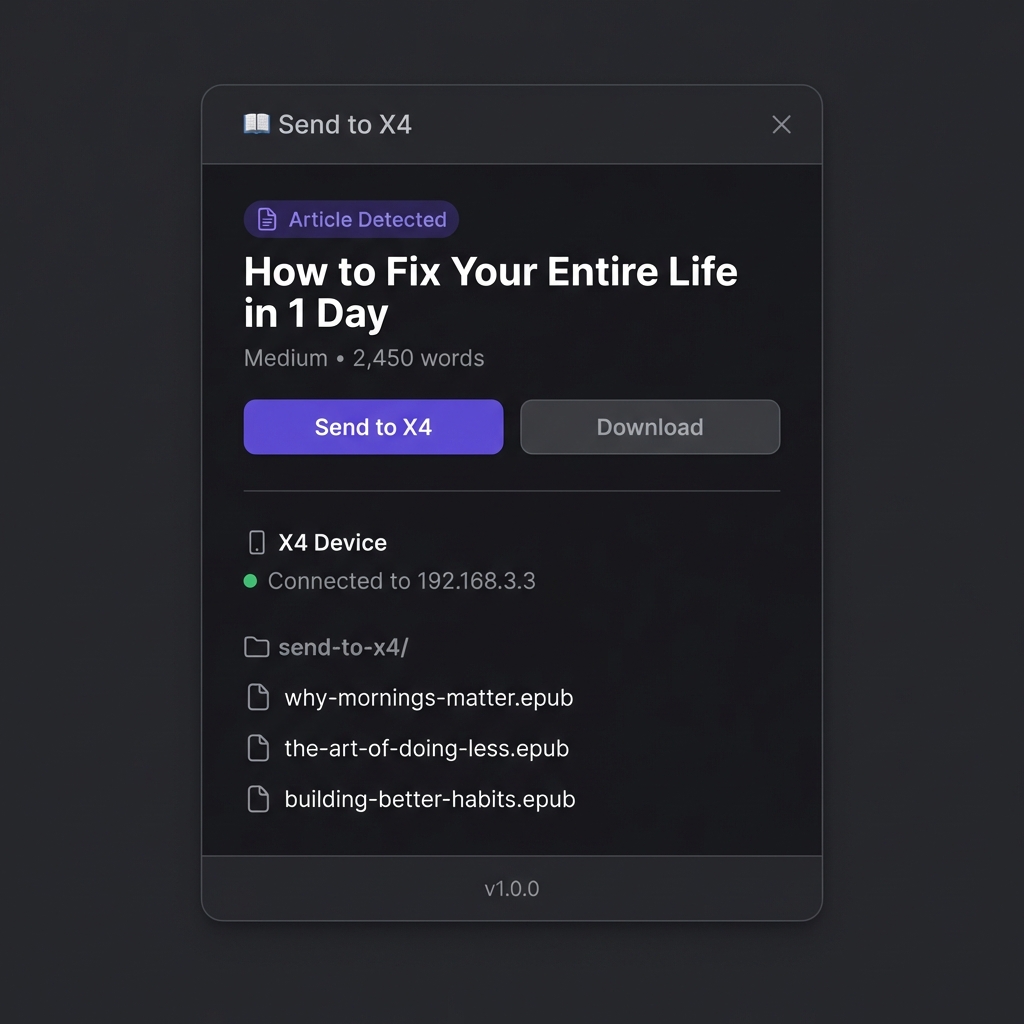
Send to X4 is a Chrome and Firefox extension that converts long-form web articles into clean EPUB files and uploads them directly to the Xteink X4 over its WiFi hotspot.
Local-first: no accounts, no cloud, no tracking. Uses Readability to strip clutter and generate a clean layout for distraction-free reading
Details
-
Type
-
Tool
-
Downloads
-
0 downloads
-
Version
-
1.1.1
-
Compatibility
-
x4
-
Contributor
-
Xatpy
Installation Instructions
Browser: Google Chrome + Chromium-based (Edge, Brave, Arc, etc.) or Firefox • Device: Xteink X4 (WiFi hotspot file transfer) • Content: Long-form articles (text-focused; images not included) Installation Instructions Copia y pega: 1. Install the extension from the Chrome Web Store (link is on the project page). 2. Open a long-form article while connected to the internet. 3. Switch your computer WiFi to the Xteink X4 hotspot. 4. Click the extension icon and press Send to X4.
Known Issues
Text-focused output; images are not included.