Details
-
Type
-
Documentation
-
Downloads
-
3945 downloads
-
Contributor
-
iamkxrz
-
Submitted
-
December 9, 2025
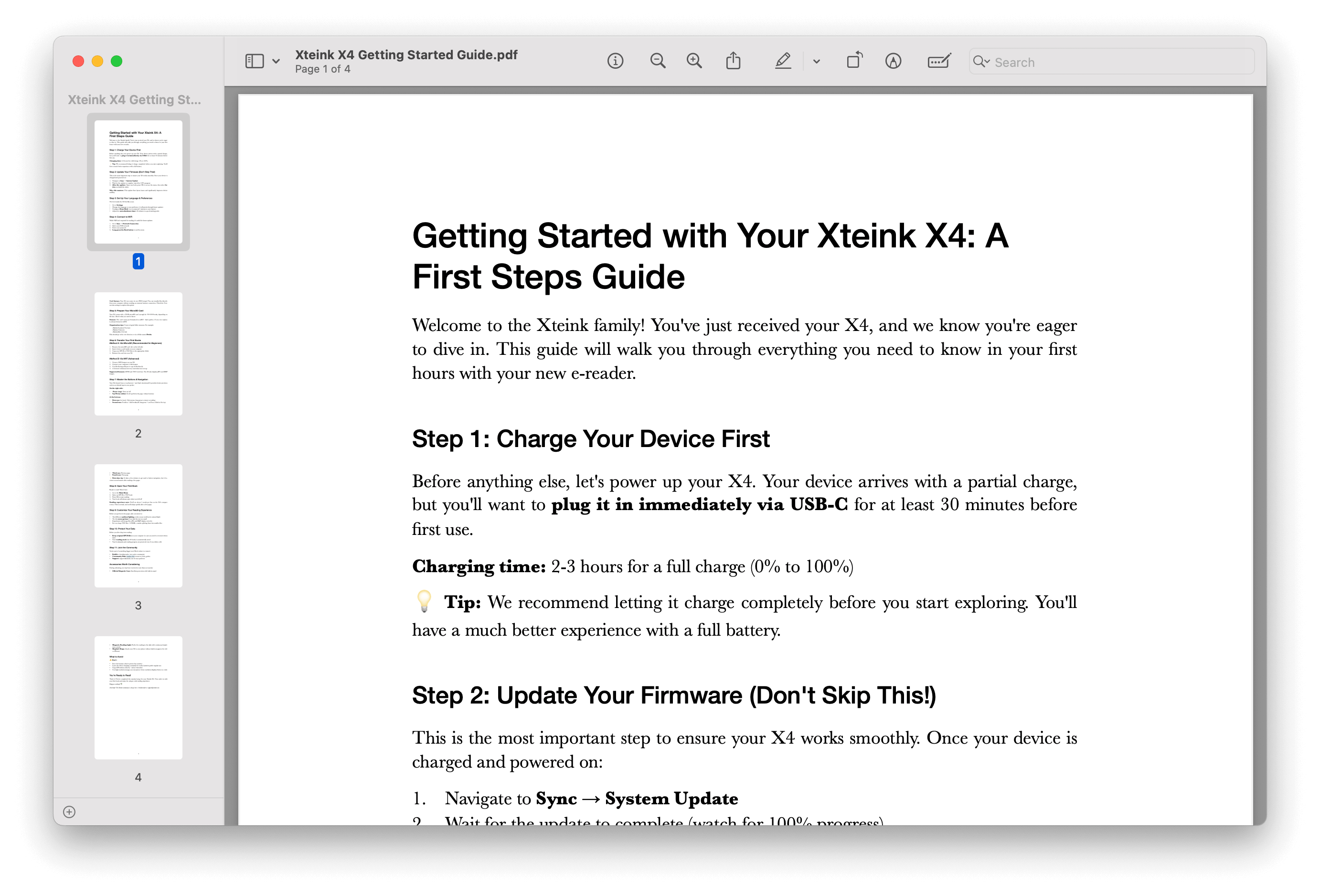
Getting Started with Your Xteink X4: A First Steps Guide
About this resource
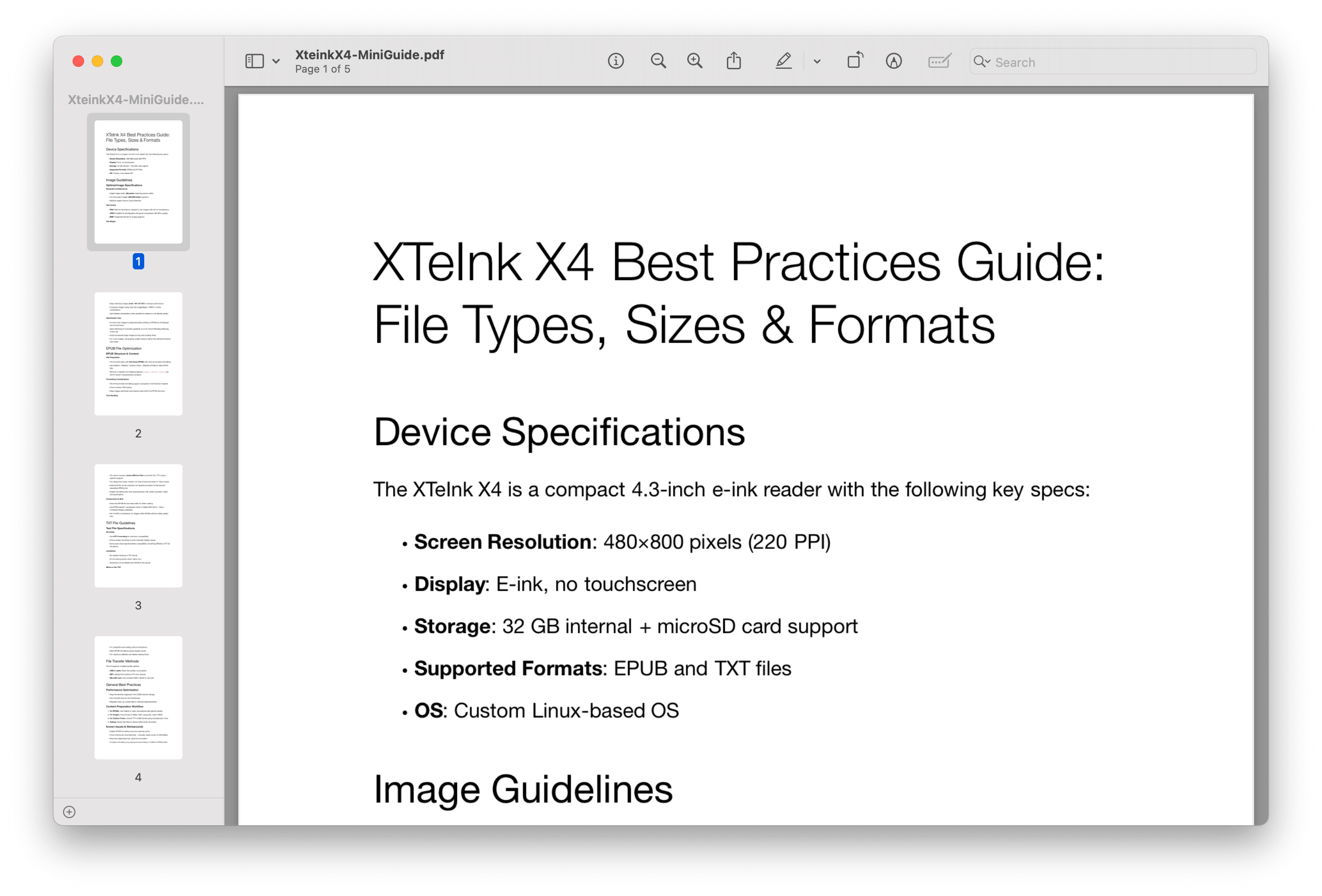
Just unboxed your Xteink X4? Here's what matters most: charge it for 30 minutes via USB-C, then immediately run the firmware update (Sync → System Update). This single step will save you from layout glitches and stability issues. Don't skip rebuilding the index afterward—open any book, hit OK, select Index. These 5 minutes will make the difference between frustration and smooth sailing.
Your X4 isn't like other e-readers. It has no touchscreen (that's a feature, not a bug), uses physical buttons for precise navigation, and works best with a well-organized microSD card. The learning curve is about 10 minutes—just enough time to read your first chapter. We've mapped out exactly which buttons do what, how to transfer books the easy way, and which settings to adjust first for the best reading experience.
This guide gets you reading in under 30 minutes. From understanding the button layout to setting up WiFi transfers, organizing your library, and avoiding common newbie mistakes—it's all here in plain English. Download the complete PDF and keep it handy while you set up. Your future self (and your X4) will thank you.
Get credit on your member profile
Log in or join the club to link future resource submissions to your public member ID — just like wallpapers.
Are you the author?
If this resource is yours, you can ask to be listed as the contributor on this page (same process as firmware maintainers). Member #001 receives the request.